01
Clean and restore
Remove noise, repair dialogue, balance levels, and make recordings easier to understand.
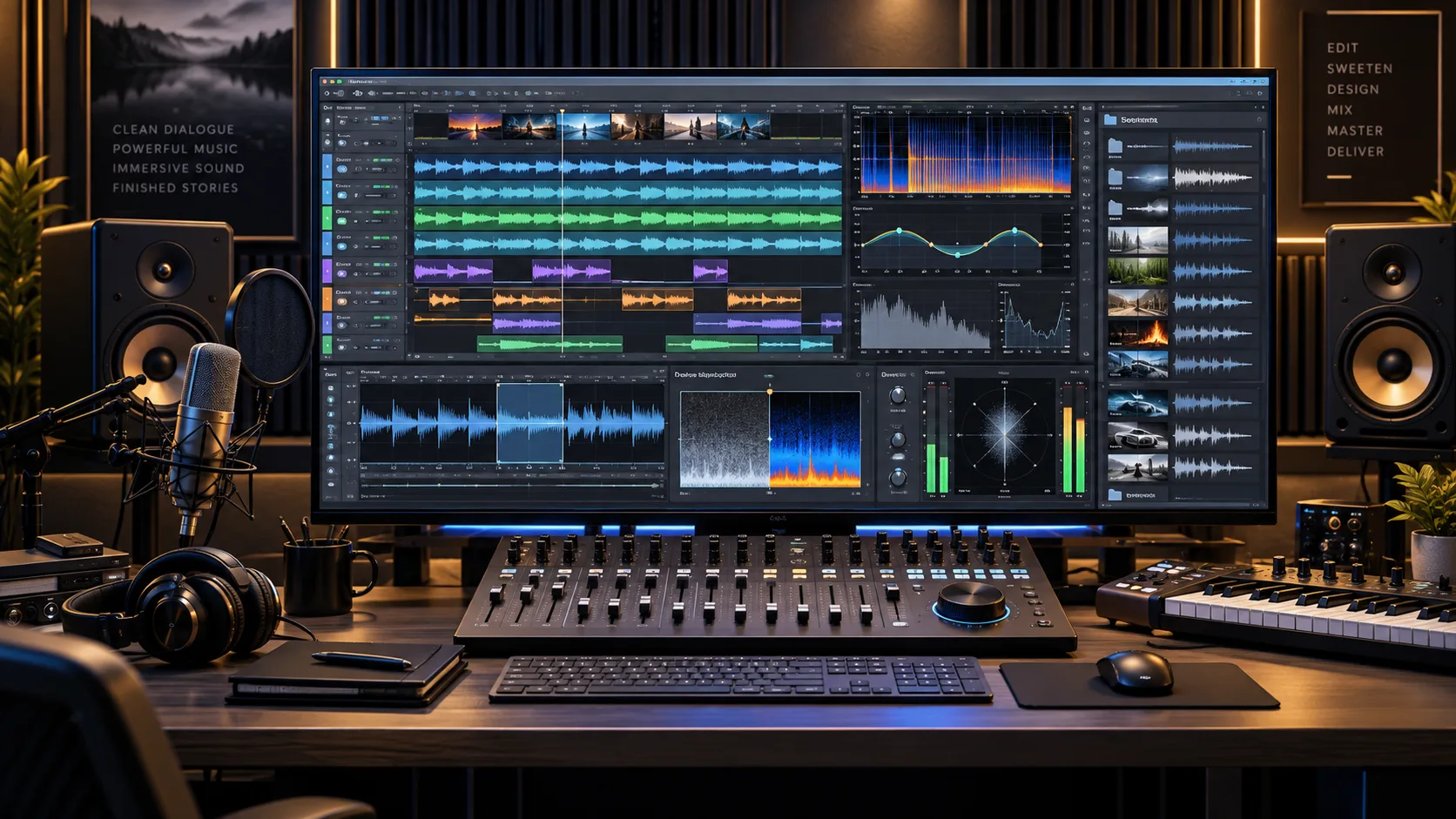
Sound · Music · Voice
Clean dialogue, restore recordings, build sound libraries, create or place music and effects, mix, master, and deliver.
01
Remove noise, repair dialogue, balance levels, and make recordings easier to understand.
02
Find or create music, effects, ambience, transitions, and the sounds that make the picture believable.
03
Record, edit, time, and refine narration, dialogue, introductions, and spoken information.
04
Bring every element together, review it on the right speakers, and prepare the finished master.
The way you’re used to doing things
You have a recording that needs to sound right. First comes learning the editor, finding the noise, choosing processing and working out delivery requirements. Then comes listening, editing, comparing and listening again—without losing the original.
The intended sound workflow preserves the original recording, coordinates the appropriate audio tools, compares revisions, previews voices before generation, and checks the approved delivery format. Lip synchronization remains a separate production step.
Reviewable audio revisions, the approved master, and the source and settings needed to make changes later.
The workflow shown above is under development. We’re working as hard and fast as we can to bring the DagonTEK Studio to life.