01
See every source
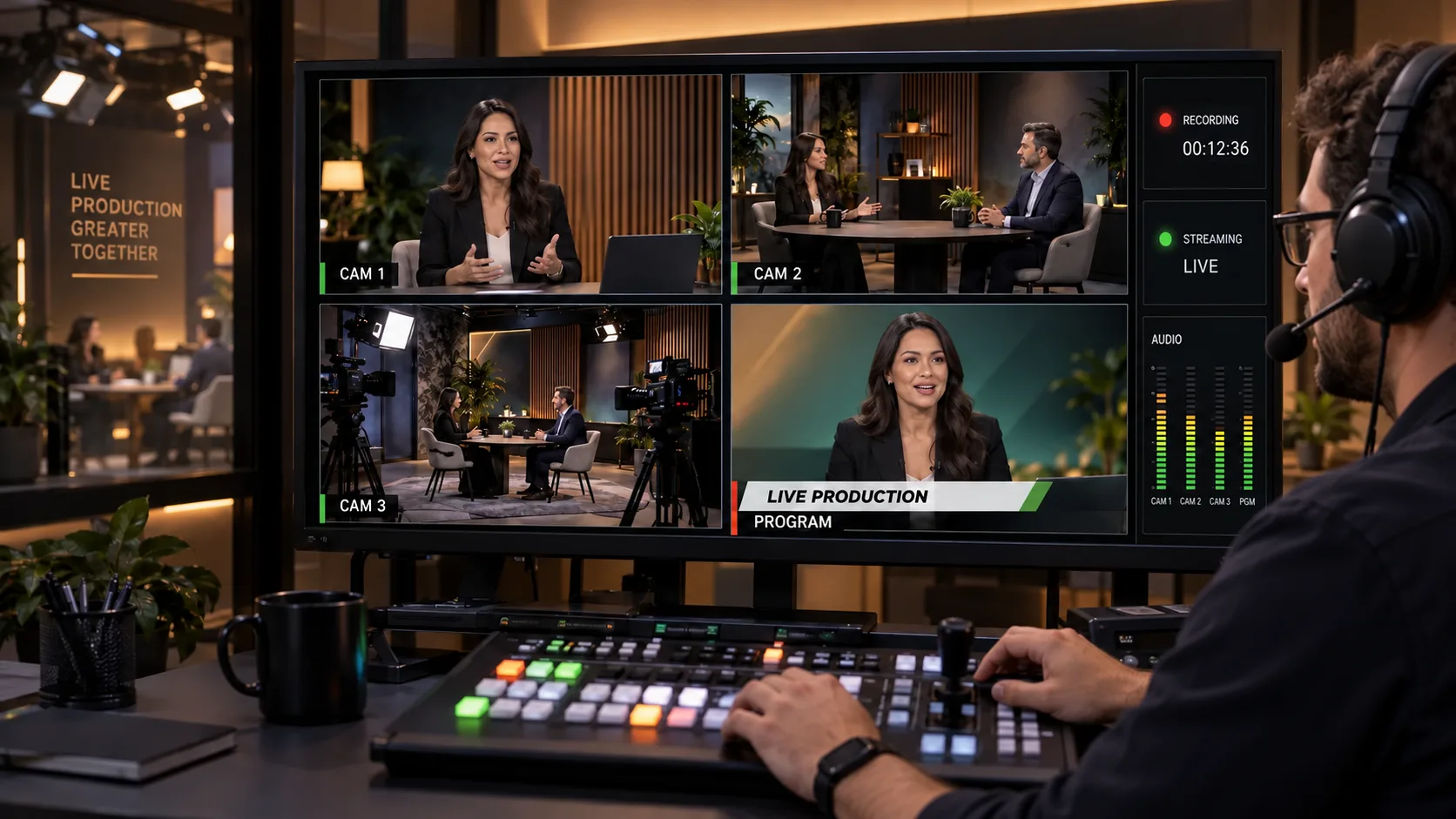
Monitor cameras, graphics, playback, remote contributors, audio, recording, and program output.
Live Production · Cameras · Control
Cameras, graphics, switching, recording, streaming, replay, and the decisions that keep a live program together.
01
Monitor cameras, graphics, playback, remote contributors, audio, recording, and program output.
02
Choose the next shot, place graphics, run playback, control transitions, and keep the production moving.
03
Watch signal, sound, storage, stream health, and backup paths while the event is live.
04
Preserve camera files, program output, graphics, timing, and production notes for editing and delivery.
The way you’re used to doing things
You have a show to produce. Before the first cue come the cameras, microphones, crew, connections, graphics and rehearsal. During the show, the plan has to be usable at a glance—not scattered across yesterday’s conversations and forgotten setup notes.
The intended production workflow keeps the rundown, source map, cues, signal checks, permissions, and recordings together. Supported equipment must be tested, and consequential live actions remain subject to the operator’s control.
A rehearsed production plan, verified supported connections, recordings, and a preserved show record—not an untested claim of automatic broadcast control.
The workflow shown above is under development. We’re working as hard and fast as we can to bring the DagonTEK Studio to life.