01
Plan the publication
Define the audience, page size, page count, content, binding, print method, and delivery requirements.
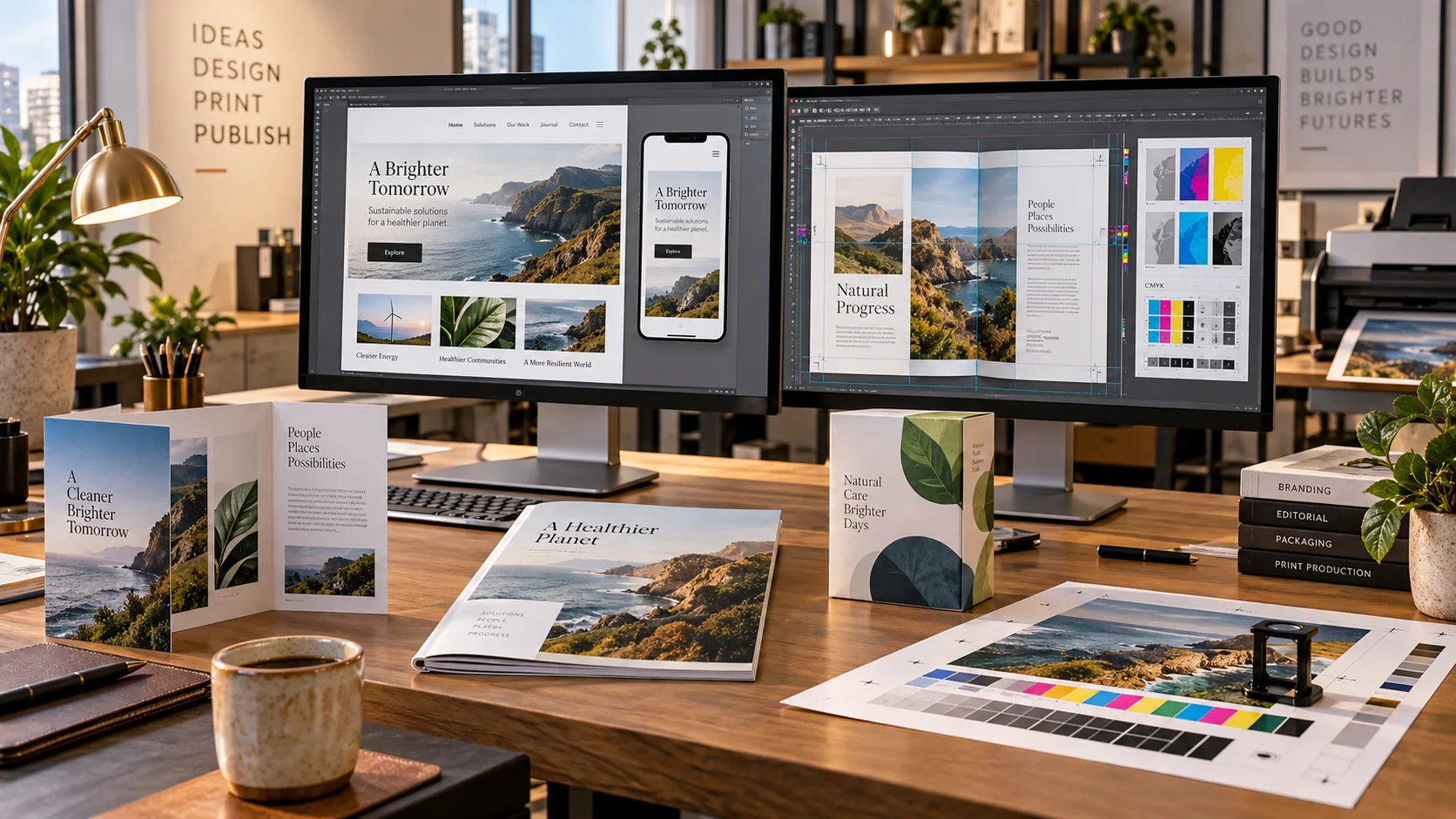
Desktop Publishing · Prepress · Print Production
Documents and publications developed as complete page systems, then checked and prepared for dependable professional output.
01
Define the audience, page size, page count, content, binding, print method, and delivery requirements.
02
Arrange writing, photographs, illustrations, typography, grids, folios, and repeating page elements into a coherent publication.
03
Set margins and bleeds, manage linked assets, check resolution, preflight fonts, and prepare process-color or other required separations.
04
Review the proof, correct production problems, package the source material, and export the approved press-ready files.
The way you’re used to doing things
You need a brochure, not a second career in page layout. First come the software, tutorials, image and font choices, and conversations with the print shop. Then comes the actual layout—and the corrections when a good-looking screen proof is not ready for the press.
The intended publishing workflow carries the actual document through layout and preflight, checks the print shop’s specifications, prepares color separations when required, and brings a proof back for approval before handoff.
An approved proof, packaged editable source, and production files prepared to the chosen print shop’s specifications—not a promise that every printer accepts the same PDF.
The workflow shown above is under development. We’re working as hard and fast as we can to bring the DagonTEK Studio to life.