01
Create the image
Develop photographs, illustrations, visual concepts, composites, logos, and production graphics.
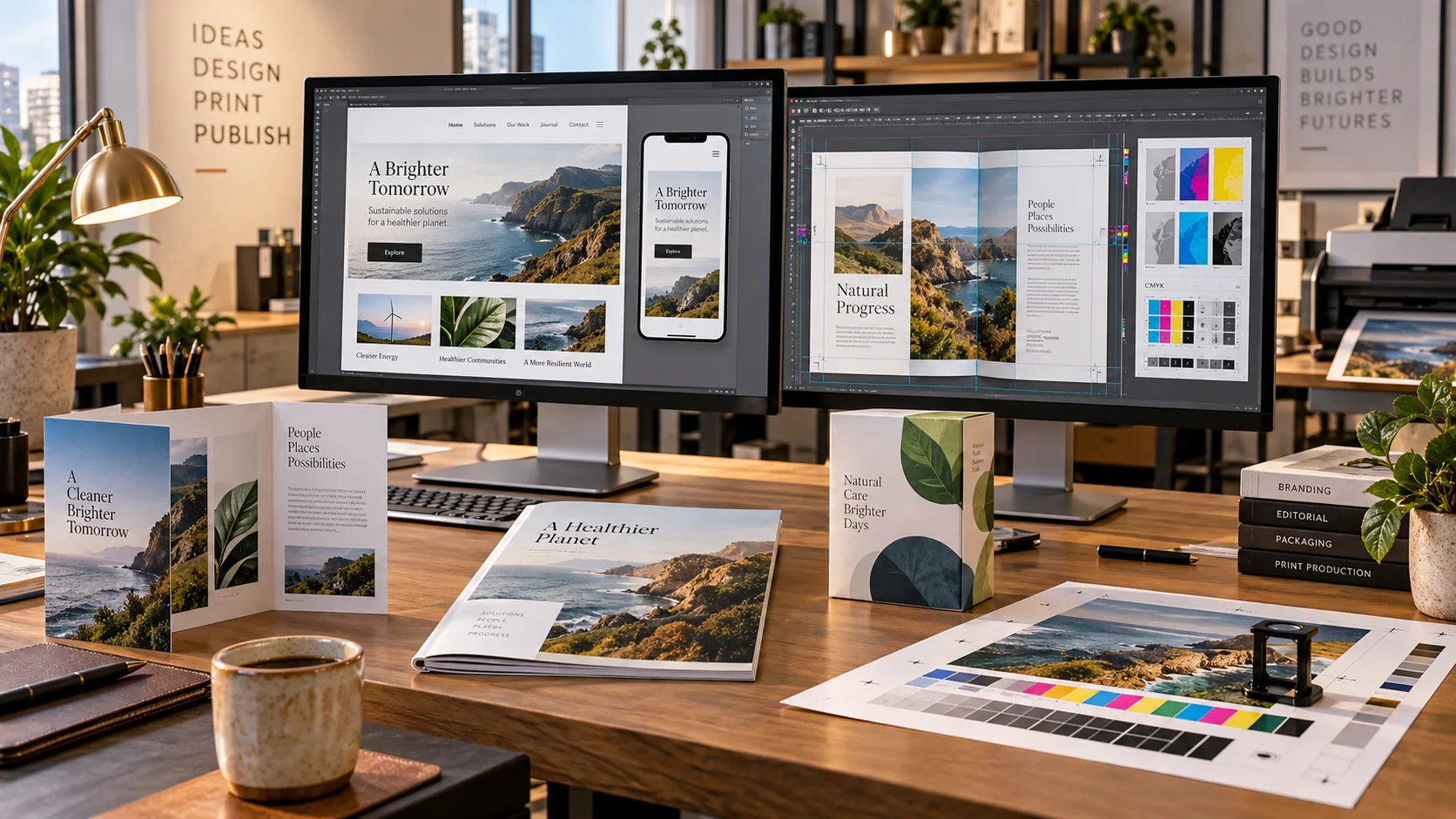
Pictures · Graphics · Publishing
Images, logos, illustrations, vectors, layouts, and production graphics prepared for screen, page, or press.
01
Develop photographs, illustrations, visual concepts, composites, logos, and production graphics.
02
Arrange the writing and imagery into a clear design for a screen, document, advertisement, or publication.
03
Set the correct size, resolution, color, margins, bleeds, file format, and output requirements.
04
Compare versions, correct the details, approve the result, and prepare the finished files for their destination.
The way you’re used to doing things
You have a design in mind. First come the software, techniques, source images, usage permissions and production dimensions. Then comes creating and revising the artwork until it works on the actual screen, page or product—not just in a preview.
The intended graphics workflow connects the brief to editable artwork, reviewable variants, asset provenance, and checked exports. A raster preview is not passed off as editable vector artwork or press-ready separation.
Approved artwork, preserved editable sources where available, and correctly specified exports for the intended screen, publication, or product.
The workflow shown above is under development. We’re working as hard and fast as we can to bring the DagonTEK Studio to life.